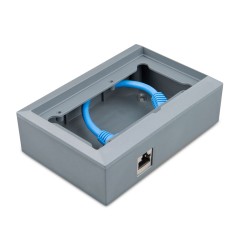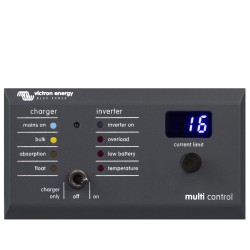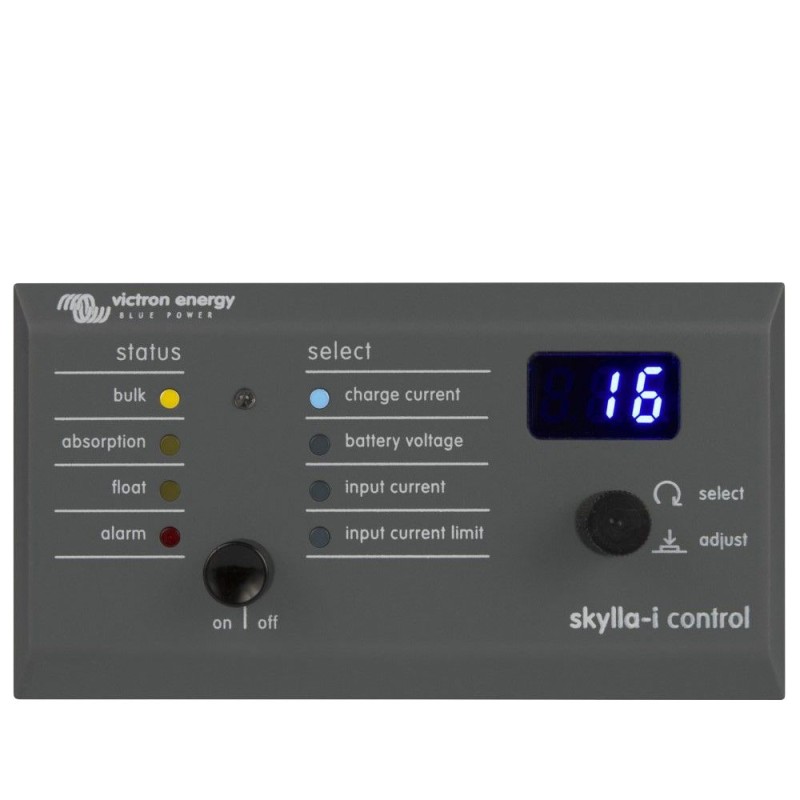


The Skylla-i Control allows you to alter the charge current and see the system status.

Payments processed by PayPal or Takepayments are 100% secure.

Delivery via Royal Mail or APC Courier
 Return policy
We will accept goods for return up to 14 days from our shipment date. See our returns page
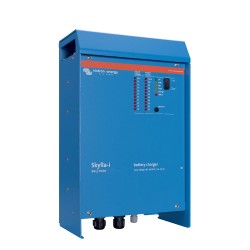
The Skylla-i panel is a remote panel designed to work with all Skylla-i chargers. The Skylla-i charger uses the VE.CAN bus.
Connecting the Skylla-i panel to your Skylla-i charger is a simple procedure. Connect the two devices with a regular UTP (Unshielded Twisted Pair) cable with two RJ45 connectors. Make sure that the two RJ45 bus terminators are in place at both ends. The Skylla-i panel comes complete with both RJ45 bus terminators. Both the Skylla-i charger and the panel have two RJ45 sockets which are internally connected you can connect the cable to either socket.
Several Skylla-i control panels can be connected to one charger or to a set of synchronized and parallel connected chargers.
It is not necessary to configure anything in an out of the box installation. Connecting all Skylla-is the control panel and placing the terminators is sufficient. Only in installations where multiple Skylla-is are on the same VE.Can network while charging different battery banks do settings need to be altered to prevent them from synchronizing. All Skylla-i chargers and Skylla-i control panels recognize each other based on the device instance. The default device instance is zero for both control panels and Skylla-is. To change the device instance use a NMEA2000 network tool from for example Actisense or Maretron.

You might also like
Download PDF
The Skylla-i Control allows you to alter the charge current and see the system status.